


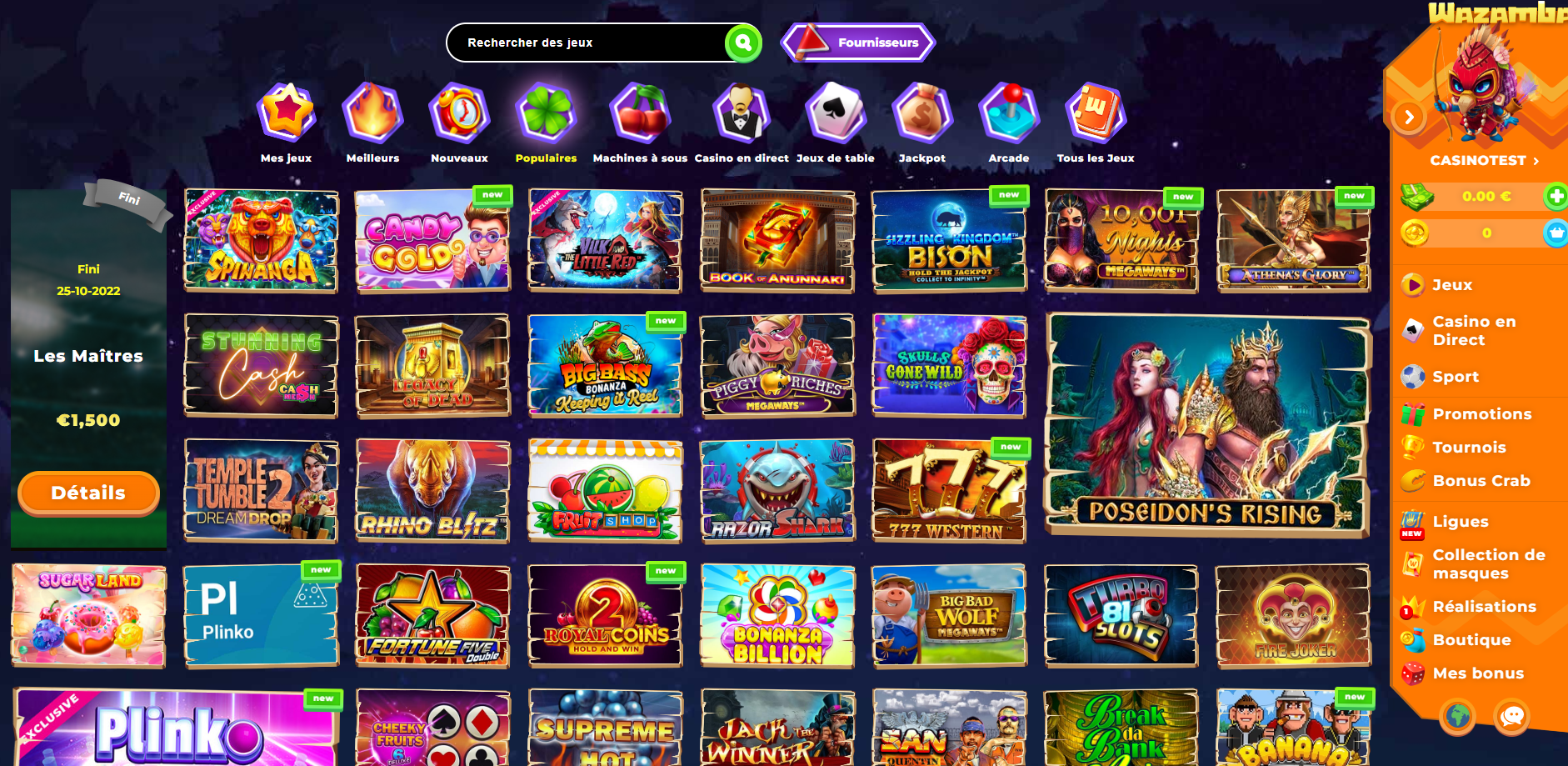

Today, online gamers want to switch between devices seamlessly. I evaluated Wazamba Casino’s cross-device sync to see how it performs for players in New Zealand. I wanted to find out if I could initiate a session on my desktop, continue on my phone during a commute, and wrap up on a tablet at home, all without sacrificing my place, bonuses, or my calm. This review looks at the technical execution, the features you actually use, and what it’s like to game across multiple screens in real life.
The Mobile Web vs. Dedicated App Experience
Wazamba gives New Zealand players two main mobile options: a mobile-friendly site via a mobile browser and a dedicated app for Android. I tested both thoroughly. The mobile website is well-crafted, providing almost all the desktop features with user-friendly touch controls. The dedicated Android app, available for direct download, launches a bit faster and can send push notifications for promotions. Crucially, both interfaces are perfectly aligned with the same account data. Your choice depends on whether you like the app’s convenience or want to skip downloading it, but both options hurts the cross-device experience.
Session State and Balance Sync When Switching Devices
The sync of your balance and game session needs to be fast and accurate when you use across devices. Wazamba deals with this well. My account balance updated within seconds on all devices after every bet or win. I attempted this with different games. For instance, I left a slot game like “Book of Dead” open on my desktop, and when I connected on my phone, it inquired if I wished to resume that exact spin session. With live dealer games, it’s another matter because you are unable to rejoin a specific hand, but my balance and open browser tabs were always in sync, so I could get back to the action quickly.

How Wazamba’s Sync Compares to the Competition
I’ve tested a lot of online casinos, and I would place Wazamba’s cross-device synchronization near the top. Many platforms manage basic balance sync but fall short on game state or bonus tracking. Wazamba’s system appears carefully built. The competition often comes up short in these areas:
- Delayed Updates:
- Fragmented Bonuses:
- Feature Gaps:
Wazamba sidesteps these problems, offering a unified system that respects your time and progress.
Interface and Feature Consistency: What Moves?
A great cross-device experience needs more than data synchronization; the interface and functions should be consistent too. Wazamba maintains things quite alike across device types. These are the key features that performed identically on every one of my devices:
- Play History:
- Live Chat:
- Payment Options:
- Preferences & Limits:
This indicates your complete casino environment goes with you.
My Testing Approach: My Cross-Device Strategy
I established a detailed plan to assess this objectively. To begin, I opened a brand new player account on Wazamba’s New Zealand site and completed a deposit. I employed three primary devices: a Windows desktop, an Android smartphone, and an iPad. The test continued for a week. I made sure to switching devices in the middle of gaming sessions, often leaving games paused. I monitored several important sync points: live game state, bonus wagering progress, current balance, and even my chat history with support. This approach enabled me to identify what works and what could fail in Wazamba’s cross-device setup from a player’s perspective.
Bonus and Incentive Tracking Across Platforms
Promotions are a big deal at online casinos, and their terms usually mean tracking wagering across many games. I activated several welcome and reload bonuses to check this. The sync of my bonus wallet and wagering progress was spot on. The progress bar and remaining wagering requirements were always the same, whether I checked the “My Bonuses” section on my phone or my desktop. This transparency is key for managing bonuses responsibly. I never saw a mismatch that would confuse me about how much I had left to wager, which points to a backend system that updates reliably.
Potential Hiccups and Considerations for NZ Players
My experience was mostly positive, but an honest review should note a few points. The sync hinges on a stable internet connection; if your connection drops mid-action on one device, you might be required to refresh on another. Also, not all games from third-party providers manage “resume play” the same way, though most major providers on Wazamba’s platform do. For New Zealand players, it’s important to always log into the correct regional site (like .nz or /en-nz) to keep sync working smoothly, because different country sites can run separately. For the cleanest handover, always log out properly before switching devices.
Last Tips and Recommendations for Playing Across Devices
Following a week of trials, I find Wazamba Casino delivers a solid cross-device synchronization journey for New Zealand players. The technology operates dependably in the backdrop, building a smooth gaming journey. To make the most of it, below are some useful tips:
- Use a stable and reliable internet connection to guarantee real-time data transfer.
- If you share a connection, sign out of one device before actively playing on another to avoid session conflicts.
- Familiarize yourself with the “Resume Play” prompts on slots to conveniently resume where you left off.
- Save the correct NZ site URL on all your devices to maintain a single account pathway.
Wazamba has introduced a strong, player-focused cross-device structure https://wazambaa.gr.com/en-nz/. Aligning game state, financial data, bonus progress, and user features is quick and trustworthy. For the modern Kiwi player who handles multiple activities and prioritizes consistency, Wazamba’s platform makes moving between devices straightforward, so you can concentrate on the game. It’s a technical accomplishment that really enhances the user experience.